Choose a strain gage indicator or DAQ around the result you need: a reading at the bench, a saved record, or measurements recorded together. Start with channel timing, then check recording and bridge compatibility.
Multipoint dynamic measurements require simultaneity of recording. Static strain instruments measure phenomena whose strain magnitude changes gradually over time.
Use the comparison below to shortlist a workflow, then use the model-specific specifications to check a candidate instrument. For the wider measurement chain, browse our Sensors and DAQ guides.
Compare the measurement workflow
| Decision | Indicator or static workflow | Dynamic acquisition workflow |
|---|---|---|
| Measurement behavior | Scanners are often used to switch sequentially between static measurement points. | Dynamic strain instruments measure short-period changes such as vibration or impact. |
| Timing | Static strain instrumentation also includes instruments capable of simultaneous sampling. | Require simultaneous recording for multipoint dynamic measurements. |
| What to specify | Choose local readout, stored readings, or both. List the points to observe. | Specify which channels must be recorded together and the event to capture. |
| What to check | Check the stored-reading rate separately from display updates. | Check the acquisition rate, filter response and synchronization arrangement. |
Treat the workflow as your starting point. Compare the actual functions of each candidate strain gauge measurement system before choosing a product category.
Local readout: start with the indicator controls
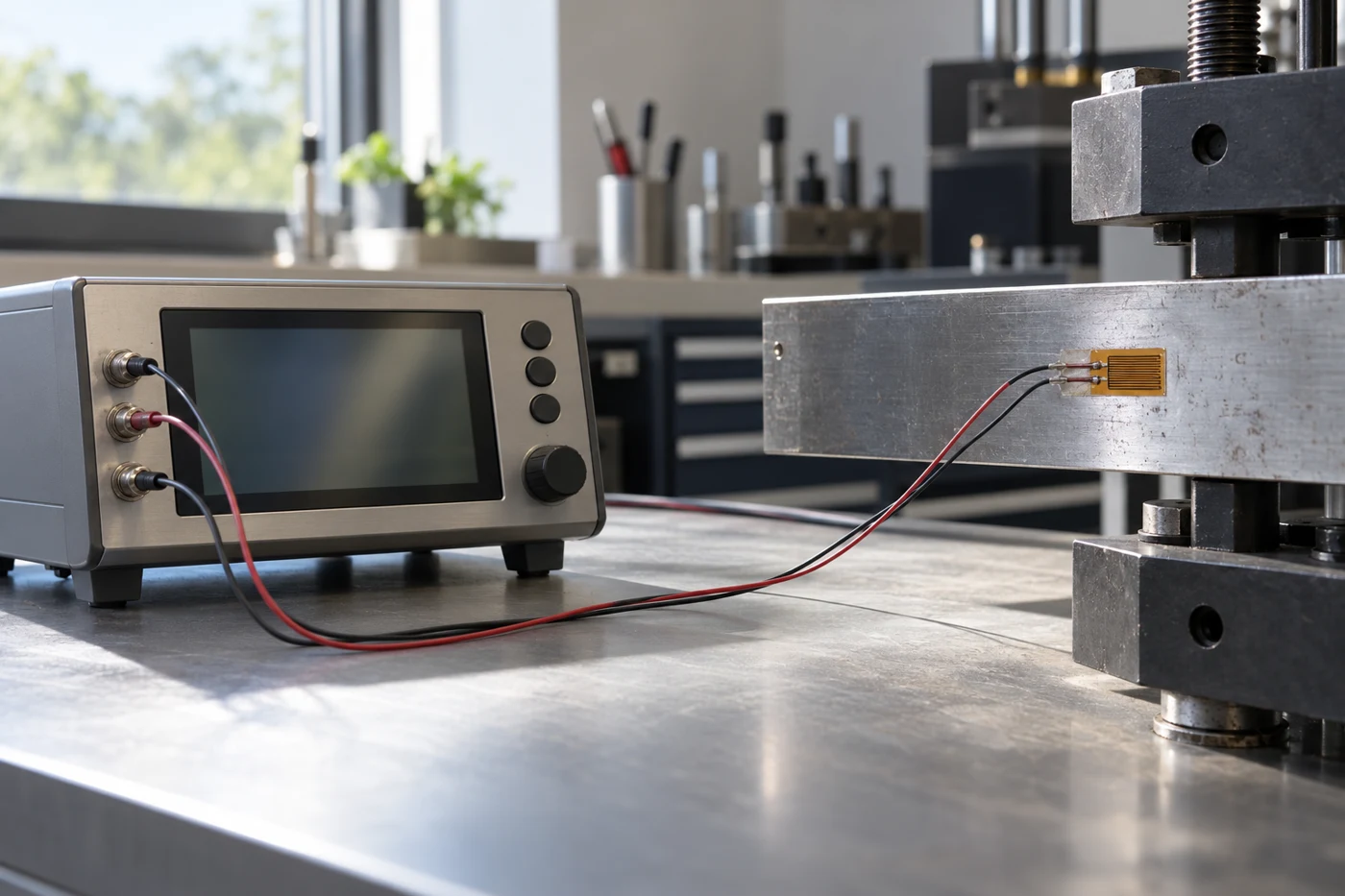
Advance Instrument SR1
Advance Instrument SR1 has one input channel. It has a direct reading LCD display. It supports quarter, half and full bridge circuits. Bridge completion is built in.
For a strain gauge meter shortlist, record the desired display quantity, bridge configuration and zeroing controls alongside the instrument name. Decide whether the operator needs a local reading, a stored record, or both.
Stored readings: separate the output paths
Micro-Measurements P3
Micro-Measurements P3 functions as a static strain indicator and digital data logger. It has four input channels.
Read the following specifications as separate paths through this instrument. Select the path that will carry your test record.
| Output path | Specified behavior |
|---|---|
| Stored readings | Records at a user-selectable rate of up to 1 reading per channel per second. |
| Display | The display updates twice a second. |
| Analog output | Analog output rate is 480 updates/second. |
It provides automatic date/time stamping for recording.
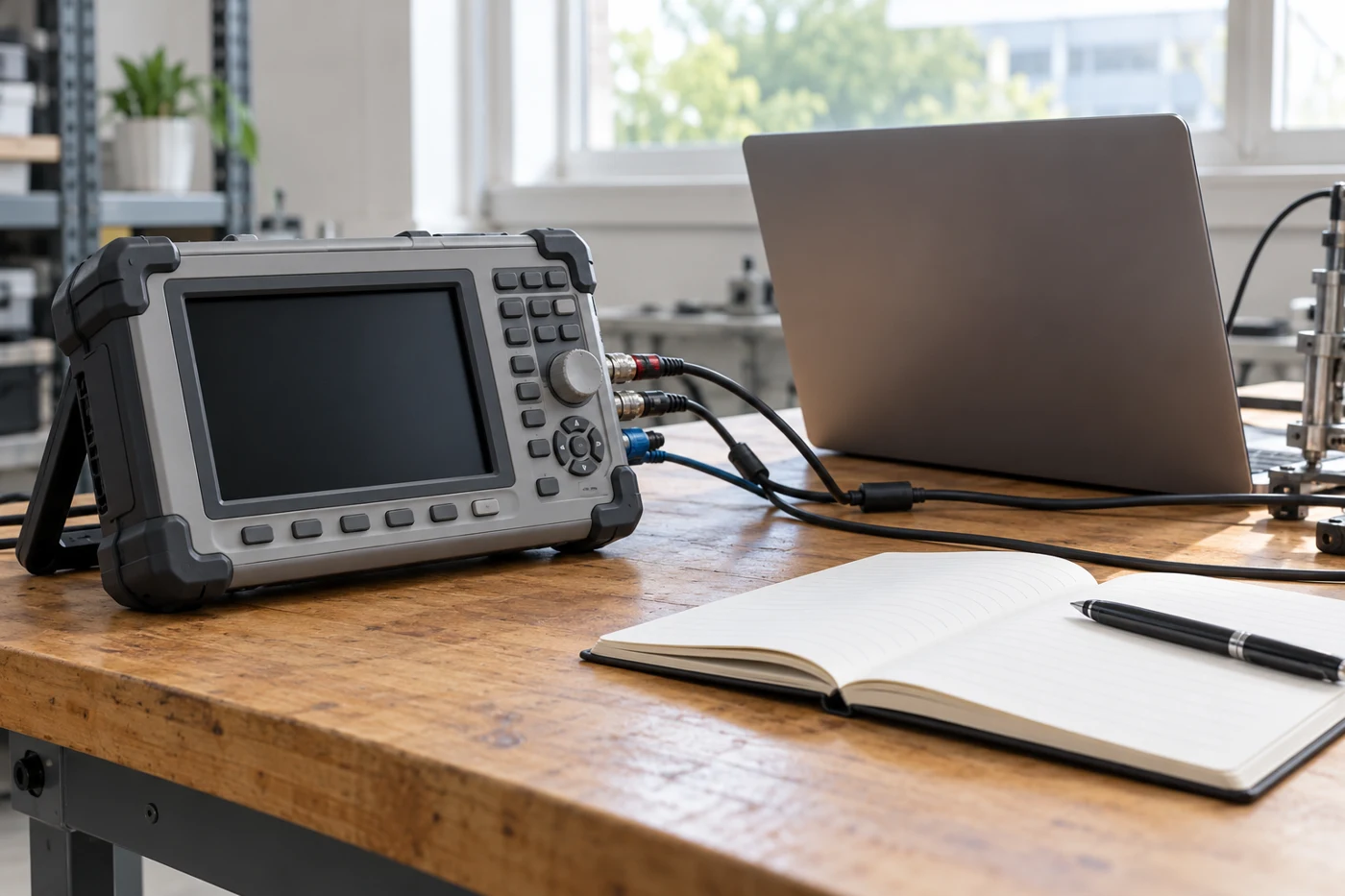
In your requirements, give stored readings, display updates and analog output their own fields. For automatic logging, identify the intended storage destination and the recording setting you will use. For an analog connection to another instrument, check that output path separately.
Simultaneous acquisition: check the channel architecture
NI 9237
This module has 4 analog input channels. It supports 50 kS/s per channel simultaneous analog input. Each channel has an independent 24-bit ADC.
To synchronize its data rate with other modules that use master timebases to control sampling, all of the modules must share a single master timebase source.
Its digital-filter passband changes with the data rate. Individual channels are not isolated from each other.
Put channel timing, filter response and isolation on the configuration review alongside acquisition rate. When assembling a system across modules, include the timebase arrangement in that review. Read the static versus dynamic strain measurement guide for the related test-planning discussion.
Bridge compatibility: specify the complete input
Quarter- and half-bridge strain gages require bridge completion. Excitation powers the Wheatstone bridge circuitry.
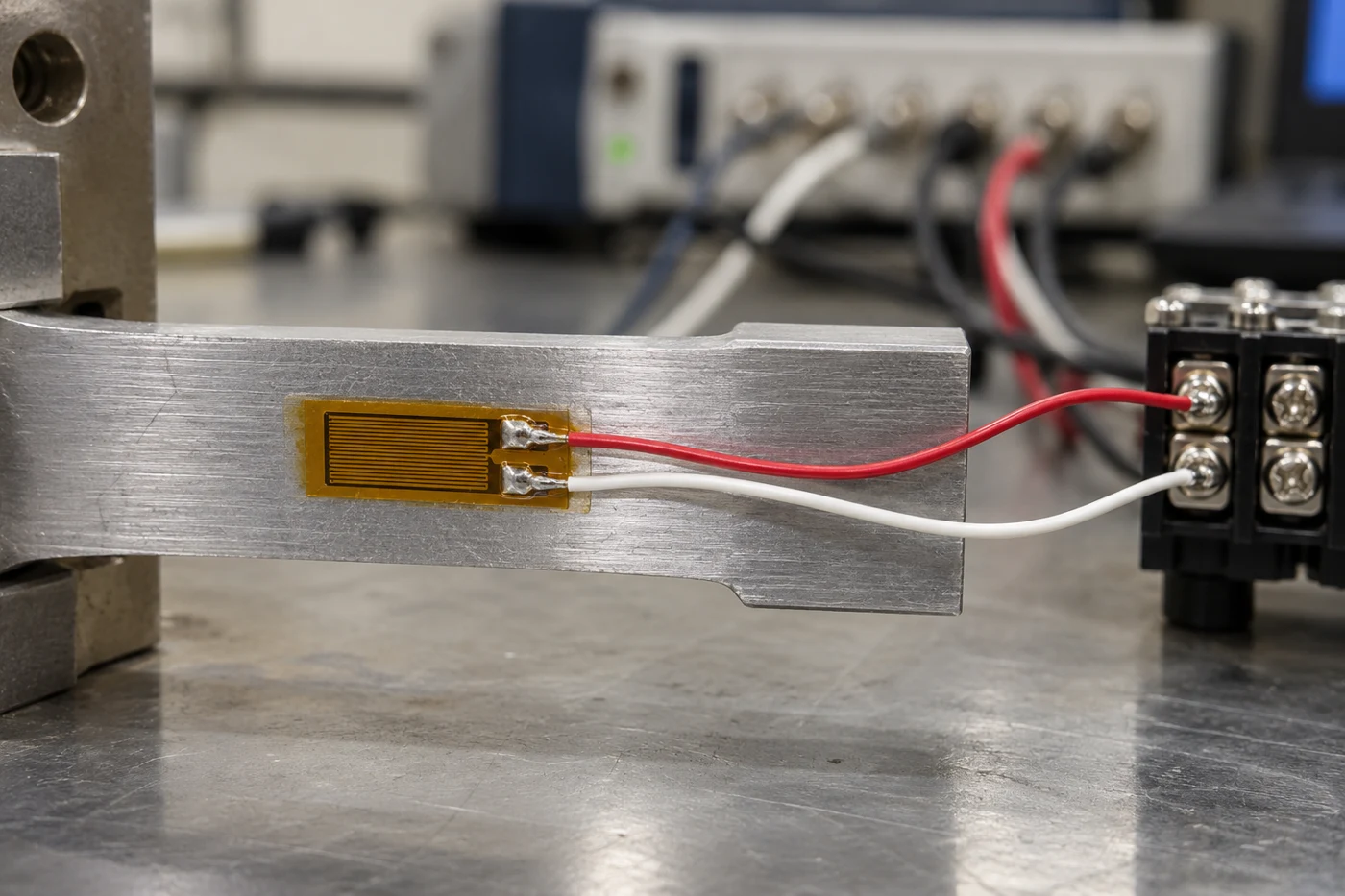
Quarter-bridge setup with NI 9237
When measuring from a quarter bridge sensor, the NI 9237 must be used in half bridge completion mode and an external Quarter Bridge Completion Accessory must be used. The completion accessory resistor must match the quarter bridge strain gage nominal resistance.
List the completion accessory with the module in your proposed configuration. Use the quarter-, half- and full-bridge guide when choosing the bridge arrangement.
Conditioning and electrical checks
Remote sensing compensates for excitation-voltage errors from long lead wires. Shunt calibration verifies bridge output against a known expected value.
For NI 9237, the module can perform offset/null. It can perform shunt calibration. It supports remote sense.
Record the excitation, wiring compensation and electrical check you intend to use. Continue with the strain gauge signal-conditioning guide for the conditioning discussion.
Write your selection checklist
Before choosing strain gauge instrumentation, complete these fields for the planned test:
- Required result: choose a local reading, stored readings, or a waveform record.
- Measurement points: list the channels and mark those that must be recorded together.
- Event: describe the changing load and the part of the event you want to capture.
- Recording: specify the stored-data rate, destination and intended duration.
- Display and outputs: specify local display needs and any analog connection separately.
- Bridge input: name the bridge configuration, gauge resistance and completion accessory.
- Conditioning: list excitation, remote sensing and filter settings to review.
- Verification: define the zeroing and shunt-check steps to include in the test record.
Use the completed checklist to compare configurations. For local readout, begin with the display and bridge controls. For stored readings, begin with the recording path. For multipoint dynamic work, begin with simultaneous recording and the timing arrangement, then check bridge compatibility.
Sources
- Advance Instrument — SR1 Strain Gage Indicator
- KYOWA — Measuring Instrument
- Micro-Measurements — Instruments catalog, Strain Indicator and Recorder section
- NI — NI 9237 Datasheet
- NI — NI 9237 Internal Resistor Nominal Resistance Specifications
- NI — Measuring Strain with Strain Gages